Organizing Your Media For Nimivo


Nimivo uses The TVDB API to search for and retrieve data about your media. Since media titles can be written in many different ways, there needs to be a consistent way to identify each media file. This requires your media organization to follow some specific guidelines.
Movie Folders
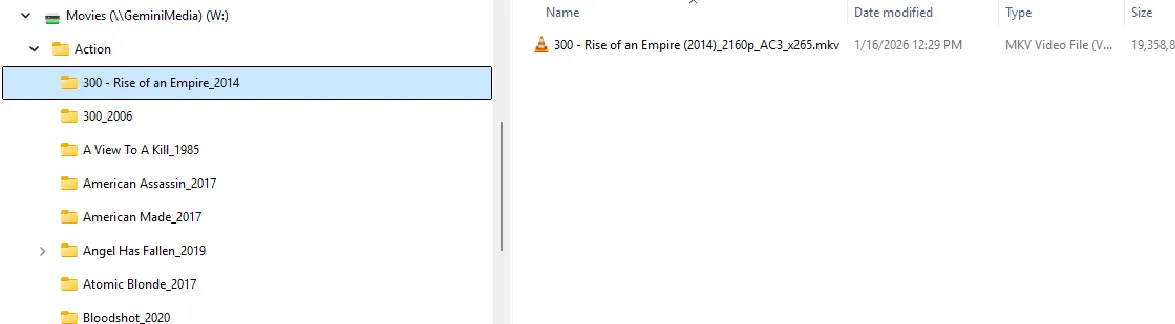
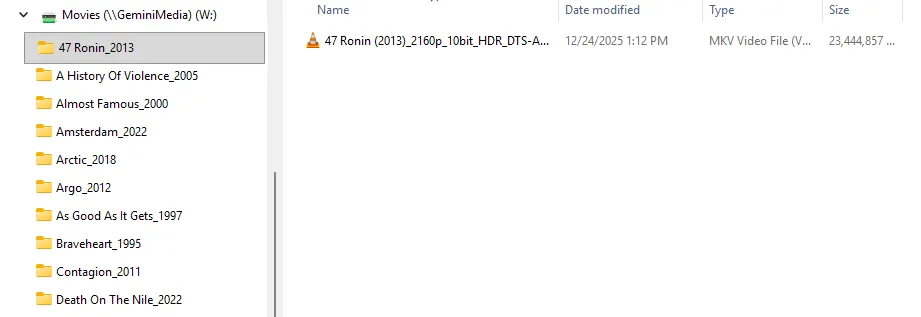
Each movie media file must be contained in a folder whose name follows the convention:
{Title}_{Year}— or —{Title} - {Subtitle}_{Year}
For example, Deepwater Horizon_2016 or Jack Reacher - Never Go Back_2016.
The movie scan starts from the root folder selected in the Setup screen, for example w:\movies. The scan searches each of the subfolders of the root folder, making requests to TVDB for every subfolder that follows the naming convention above and contains a valid media file.
There are two situations where a movie might be skipped and not scanned:
- A subfolder is found that matches the naming convention but does not contain a valid media file.
- A media file exists in a folder that does not match the naming convention.
If you see that a movie is missing after the scan completes, check for either of these conditions.
Valid Movie Folder / Media Item Examples
Series Folders
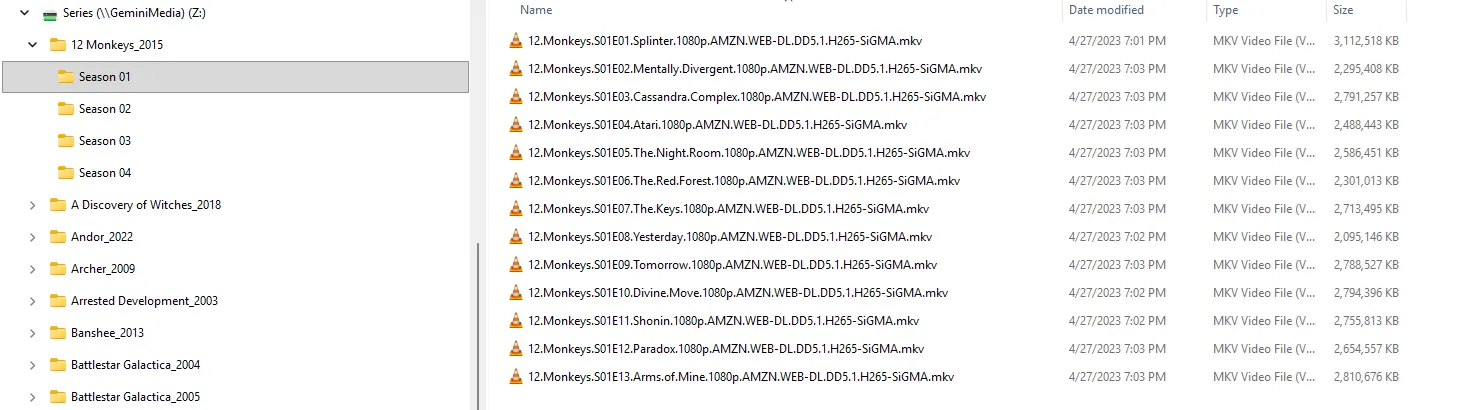
In Nimivo, TV Shows are referred to as Series. Series are handled slightly differently from movies, mainly because series have seasons. Each season for a series has its own data and unique artwork.
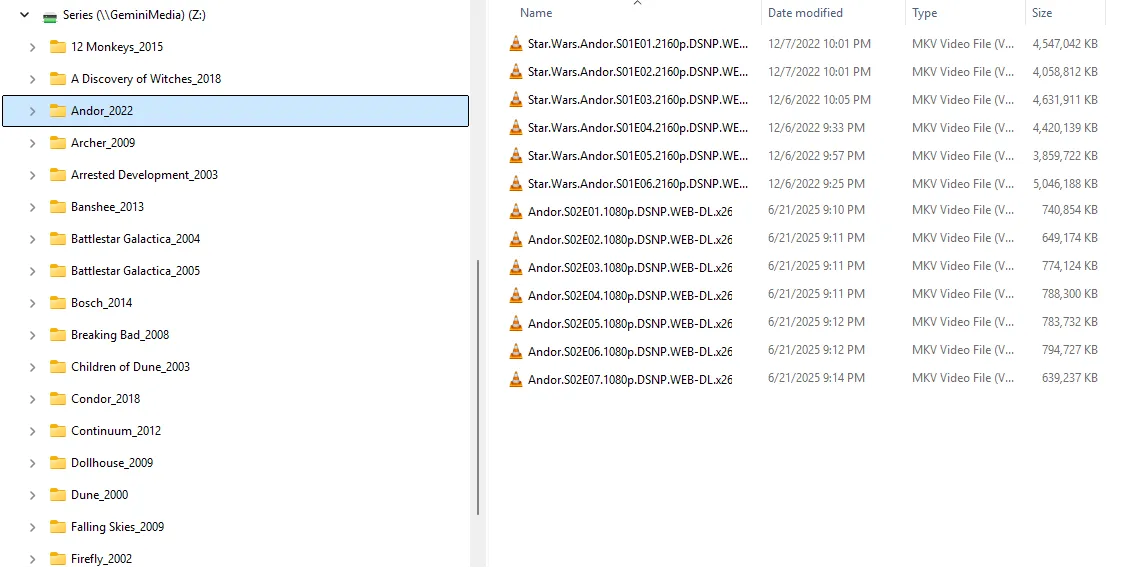
Like movie folders, series folders must follow the {Title}_{Year} convention.
You can either separate episodes into season folders or have all episodes directly under the series title folder.